Qencode Launches FPS Limits to Optimize Video Workflows
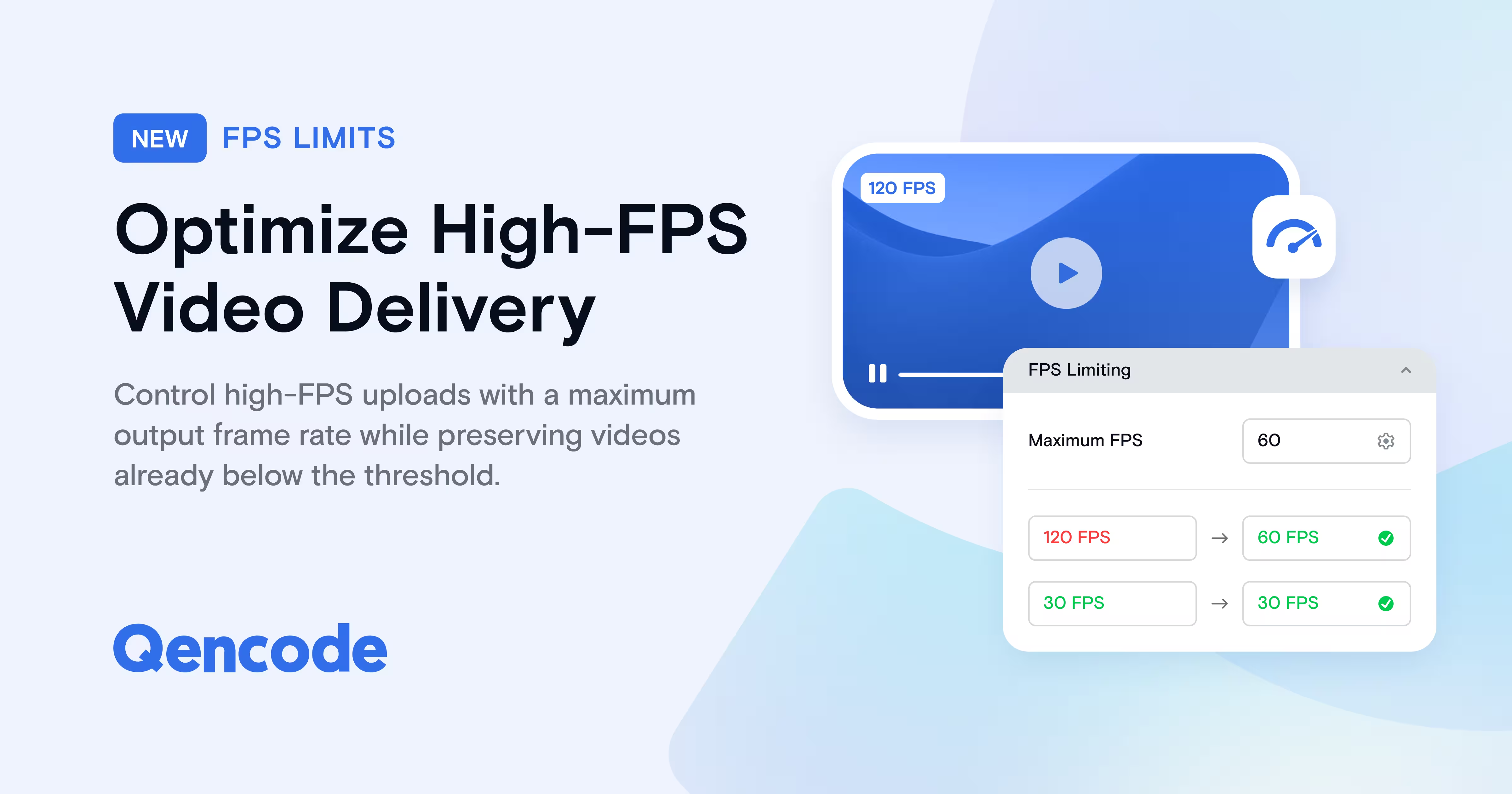
Limit frames-per-second for high FPS to reduce storage, bandwidth, and encoding costs while preserving the original frame rate of standard videos.
LOS ANGELES — June 16, 2026 — Qencode, a cloud video infrastructure platform, today announced Frame Rate Limiting, a new encoding control that allows users to set a maximum output frame rate while automatically preserving videos already at or below that threshold.
Why It Matters
Video platforms processing mixed-source libraries often receive files at 120 fps or higher, which inflate file sizes and create potential playback issues across devices. With the FPS Limit feature, teams can automatically cap excessively high frame rates while preserving standard videos exactly as they were uploaded.
This allows platform owners to:
- Improve playback compatibility across devices and networks.
- Reduce storage and CDN costs by preventing unnecessarily large video files.
- Lower encoding workloads for faster and more efficient transcoding.
How It Works
To apply a frame rate ceiling, include framerate_limit in the format object of the encoding job payload. Qencode compares the source file’s frame rate against the specified limit. If the source exceeds the limit, the output is encoded at the framerate_limit value. If the source is at or below the limit, the original frame rate is preserved. If both framerate and framerate_limit are specified in the same format object, framerate takes precedence.
Availability
Frame Rate Limiting is available now. Full setup instructions and API reference are available in the Qencode API documentation.